3 Cyber Habits That Keep Advisors Out of Trouble
The 4:47pm Friday Email That Can Ruin Your Weekend
It’s 4:47pm on a Friday.
You’re wrapping up the week, moving fast, and an email lands that looks like a client:
“Hey—new bank info. Can you wire this today? I’m boarding a flight.”
It feels normal. Familiar. Urgent.
And that’s the point.
Because most cybersecurity problems don’t start with “hackers.”
They start with a busy professional doing what they always do: being responsive.
Here are 3 simple habits that dramatically reduce your risk—no jargon, no IT degree required.
1) Your password isn’t “too simple.” It’s too predictable.
Most passwords look secure… but follow patterns attackers try first:
Summer2026!FirmName!1Lastname#23Client@123
Not because you’re careless.
Because you’re human. And humans are guessable.
The upgrade: use a passphrase made of random words
Example:
cactus-museum-ladder-silk
It’s long, easy to type, and hard to guess because it’s not based on your life.
- The UK’s National Cyber Security Centre recommends using random words for passwords because they’re memorable and strong.
- NIST guidance emphasizes allowing long passwords/passphrases and moves away from forced “must include symbols/uppercase” rules that often lead to predictable patterns.
Do this today (2 minutes):
- Choose 4–6 random words
- Avoid anything tied to you (kids, pets, city, team, firm name)
- Use it for your email and your password manager
Rule of thumb: if someone could guess it from your LinkedIn, it’s not random.
2) Your email is the master key. Protect it like one.
If someone gets into your email, they don’t need to break into your other systems.
They just click:
Forgot password → reset → you’re locked out → they’re you.
That’s why email compromise is so expensive.
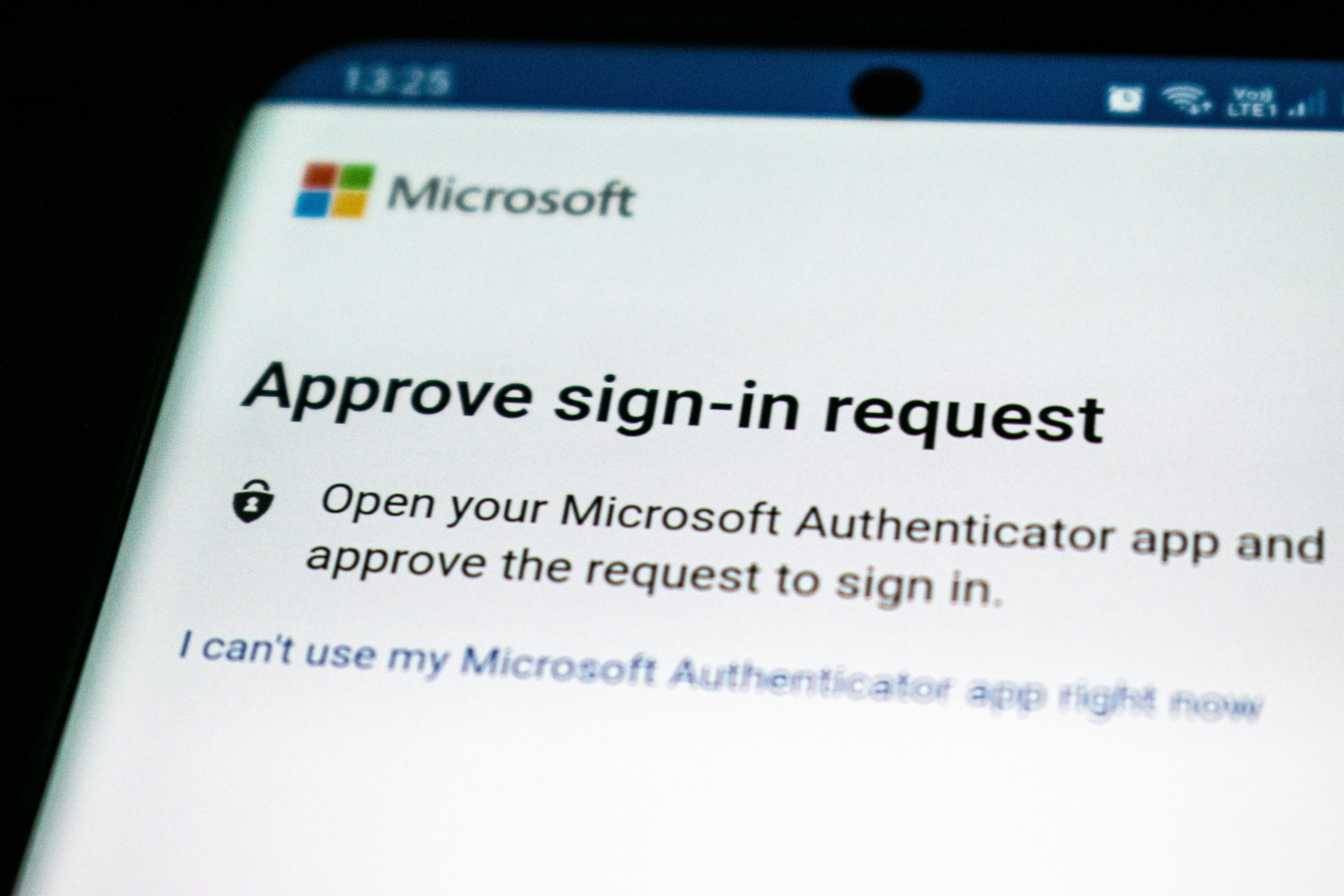
The upgrade: turn on MFA (multi-factor authentication)
MFA is the second lock that still works even if the password leaks.
If you only do ONE thing from this post: turn on MFA for your email.
Do this today (5 minutes): Turn on MFA for:
- Email (start here)
- CRM
- Custodian / portfolio platforms
- File storage (OneDrive/SharePoint/Google Drive)
3) Stop sending sensitive files like it’s 2009.
This one catches great teams off guard because it happens when you’re trying to help:
- sensitive PDFs emailed as attachments
- forwarding a thread to personal email “just to print”
- sharing “anyone with the link” and forgetting it exists
Here’s the simple truth:
Attachments can’t be “un-sent.” Links can.
So the better default is:
Share a secure link. Not an attachment.
Pick one method and standardize it:
- Secure client portal, or
- OneDrive/SharePoint permissioned links, or
- Google Drive permissioned links
Do this today (3 minutes):
- Decide your “approved” file-sharing method
- Use permissioned links by default
- Turn on auto-updates for laptops and phones
Save this: the 30-second checklist
✅ My email password is a random-word passphrase
✅ My email has MFA enabled
✅ We share sensitive files using secure links
✅ Our devices auto-update
If you said “no” to one, that’s your easiest next upgrade.
Closing note (warm + simple)
If you’re already doing these—honestly, nice work. Most people aren’t.
If you’re not, it’s never too late to change your habits. Cybersecurity is a lot like keeping client information current: small routines, done consistently, prevent big headaches later.
Now I’d love to hear from you:
Which one will you tackle first—passphrase, MFA, or file sharing?
Drop a comment below. If you want, tell us what you use (Microsoft 365 or Google Workspace) and we’ll reply with the easiest next step.
— Pickle Works (your friendly tech team)