The Pickle Jar: Cyber Security Tips Inside - Part 1
The 4:45 PM Friday Email That Can Ruin Your Weekend
It’s 4:45 PM on a Friday.
You’re wrapping up the week when an email lands that looks like it’s from a client:
***“Hey—new bank info. Can you wire this today? I’m boarding a flight.”
It feels normal.
Familiar.
Urgent.
And that’s exactly why it works.
Most cybersecurity incidents don’t start with elite hackers breaking into systems.
They start with a busy professional doing what they always do — being responsive.
Here are three simple habits that dramatically reduce your risk.
No jargon.
No IT degree required.
1) Your password isn’t “too simple.” It’s too predictable.
Most passwords look secure… but follow patterns attackers try first:
Summer2026!FirmName!1Lastname#23Client@123
Not because you’re careless.
Because you’re human — and humans are guessable.
The upgrade: use a random-word passphrase
Example:
cactus–museum–ladder–silk
It’s long, easy to type, and hard to guess because it isn’t tied to your life.
Security authorities like the UK’s National Cyber Security Centre and NIST now recommend long, random passphrases over forced symbol rules that often create predictable habits.
Do this today (2 minutes):
- Pick 4–6 random words
- Avoid names, pets, cities, firms, or hobbies
- Use it for your email and your password manager
Rule of thumb: if someone could guess it from your LinkedIn profile, it’s not random.
2) Your email is the master key. Protect it like one.
If someone gets into your email, they don’t need to hack your systems.
They just click:
Forgot password → reset → you’re locked out → they’re you
That’s why email compromise is one of the most expensive types of attacks.
The upgrade: turn on MFA (Multi-Factor Authentication)
If you’ve never heard of MFA, think of it as a second lock on the door.
- Your password is the first lock.
- MFA adds another step — usually:
- A code sent to your phone
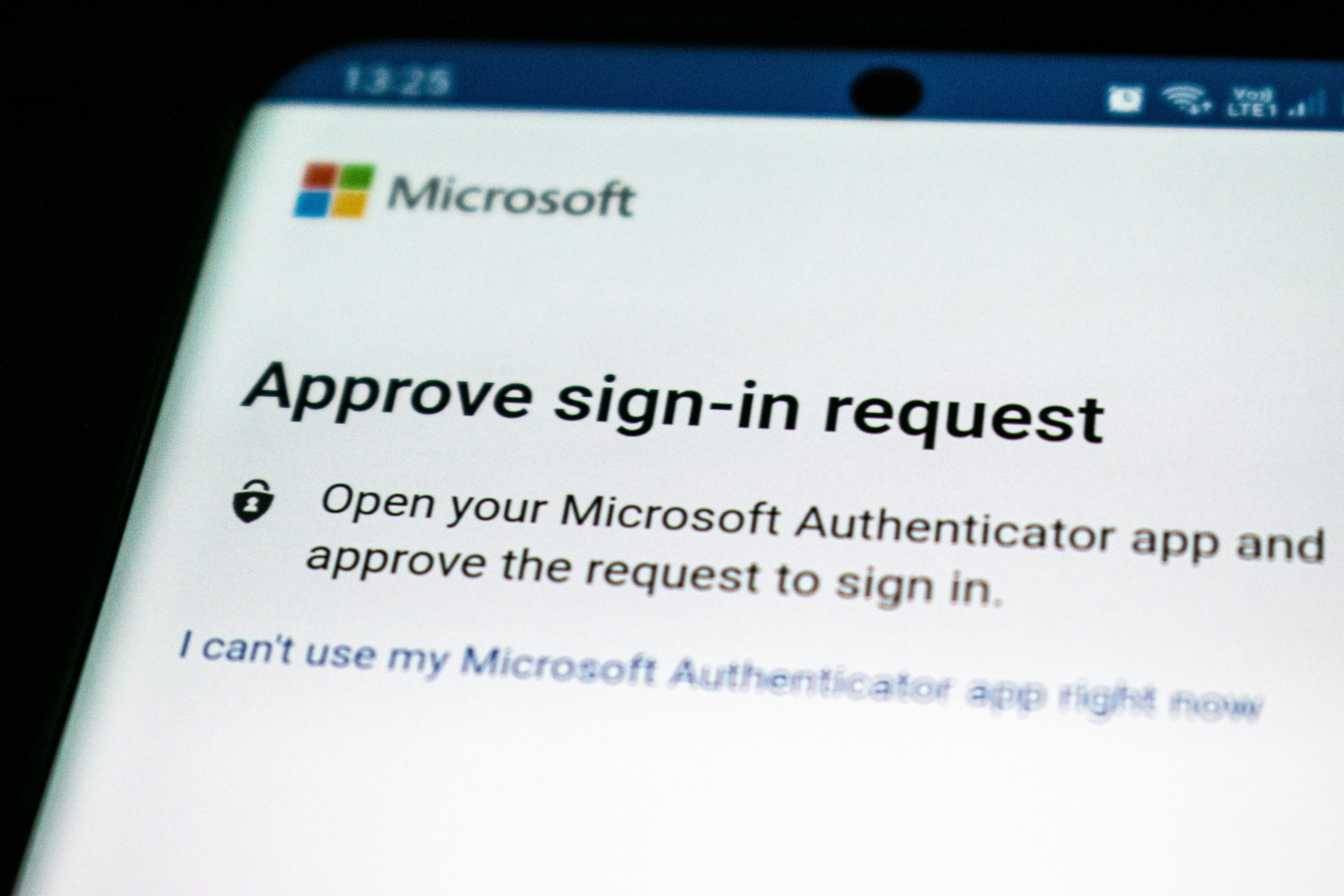
- A notification you tap Approve
- Or a fingerprint/face scan
So even if someone steals your password, they still can’t get in.
If you only do one thing from this post, make it this.
How to turn MFA on (in plain English)
- Log into your email account settings
- Look for Security, Sign-in, or Account protection
- Find Multi-Factor Authentication or Two-Step Verification
- Follow the prompts to add your phone or an authenticator app
- Save the backup codes somewhere safe
Most people are surprised how quick this is — usually under five minutes.
Turn MFA on for:
- Email (start here)
- CRM systems
- Custodian or portfolio platforms
- File storage (OneDrive, SharePoint, Google Drive)
3) Stop sending sensitive files like it’s 2009.
This one catches great teams off guard — because it usually happens while trying to be helpful:
- Sensitive PDFs sent as attachments
- Forwarding threads to personal email “just to print”
- Sharing links that say “anyone with the link” and forgetting they exist
Here’s the simple truth:
Attachments can’t be unsent.
Links can.
That means once a file leaves your inbox, you lose control.
But a secure link lets you:
- Decide who can open it
- Remove access later
- See when it was viewed
- Update the file without resending it
What “share a secure link” really means
Instead of attaching the document, you upload it to a trusted system and send a link that only specific people can open.
Pick one method your team uses every time:
- A secure client portal — built for sharing documents safely with clients
- OneDrive or SharePoint — Microsoft tools that let you limit access to certain people
- Google Drive — similar controls for Google users
Whichever you choose, make these two rules standard:
- Only named people can open the link
- Avoid “anyone with the link” unless absolutely necessary
Do this today (3 minutes):
- Decide your approved file-sharing method
- Use permissioned links by default
Save This: The 30-Second Cyber Checklist
- ✅ My email password is a random-word passphrase
- ✅ My email has MFA turned on
- ✅ We share sensitive files using secure links
- ✅ Our devices auto-update
If you said “no” to even one — that’s your easiest next upgrade.
If you’re already doing these — honestly, nice work. You’re ahead of most organizations.
If not, don’t worry. Cybersecurity isn’t about being perfect. It’s about building small habits that quietly protect your business every day.
And if anything in this post felt confusing — that’s okay too. This stuff isn’t always obvious.
Have questions?
Drop them in the comments below.
No jargon. No judgment.
Tell us what tools you use — Microsoft 365 or Google Workspace — and we’ll point you to the easiest next step.
— Pickle Works
Your friendly tech team